|
|||||||||||||||||||||||||||||||||||


 |
 |
 |
 |
 |
|||||||||

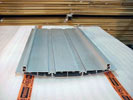 |
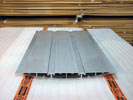
STEP #1Lay the Vista frame extrusion face downon the work surface. Position both spacer extrusions |
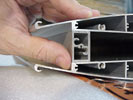 |
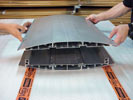
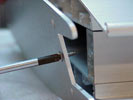
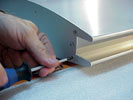
STEP #2Place the second frame ontop of the spacer extrusions and align them as shown |
 |
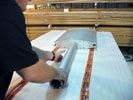
STEP #3Attach the top cap with thesmall screws starting with the screws that attach to the spacer extrusion. |

 |
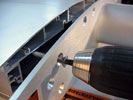
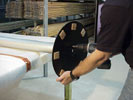
STEP #4Use the larger screws to attachthe bottom cap to the post extrusion |
 |
STEP #5Connect the bottom cap (and post)to the bottom of the frame extrusions using the larger screws. |
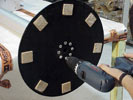 |
STEP #6Connect the base. |
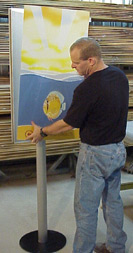 |
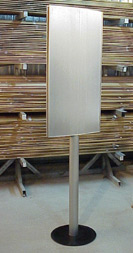
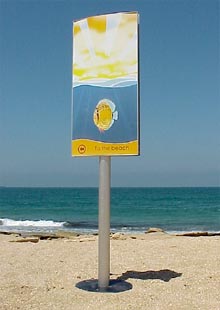
STEP #7The sign frame is complete.Now you can insert the graphics. |
|
Creating double sided and triple sided |
 |

| www.vistasign.com | sales@redhand.co.za |